

Are you using a Web3 wallet, but the transactions you make provide no additional rewards? You hold tokens, perform swaps, and trade, yet receive no incentives or airdrops in return? If so, the wallet you are using might be the wrong one.
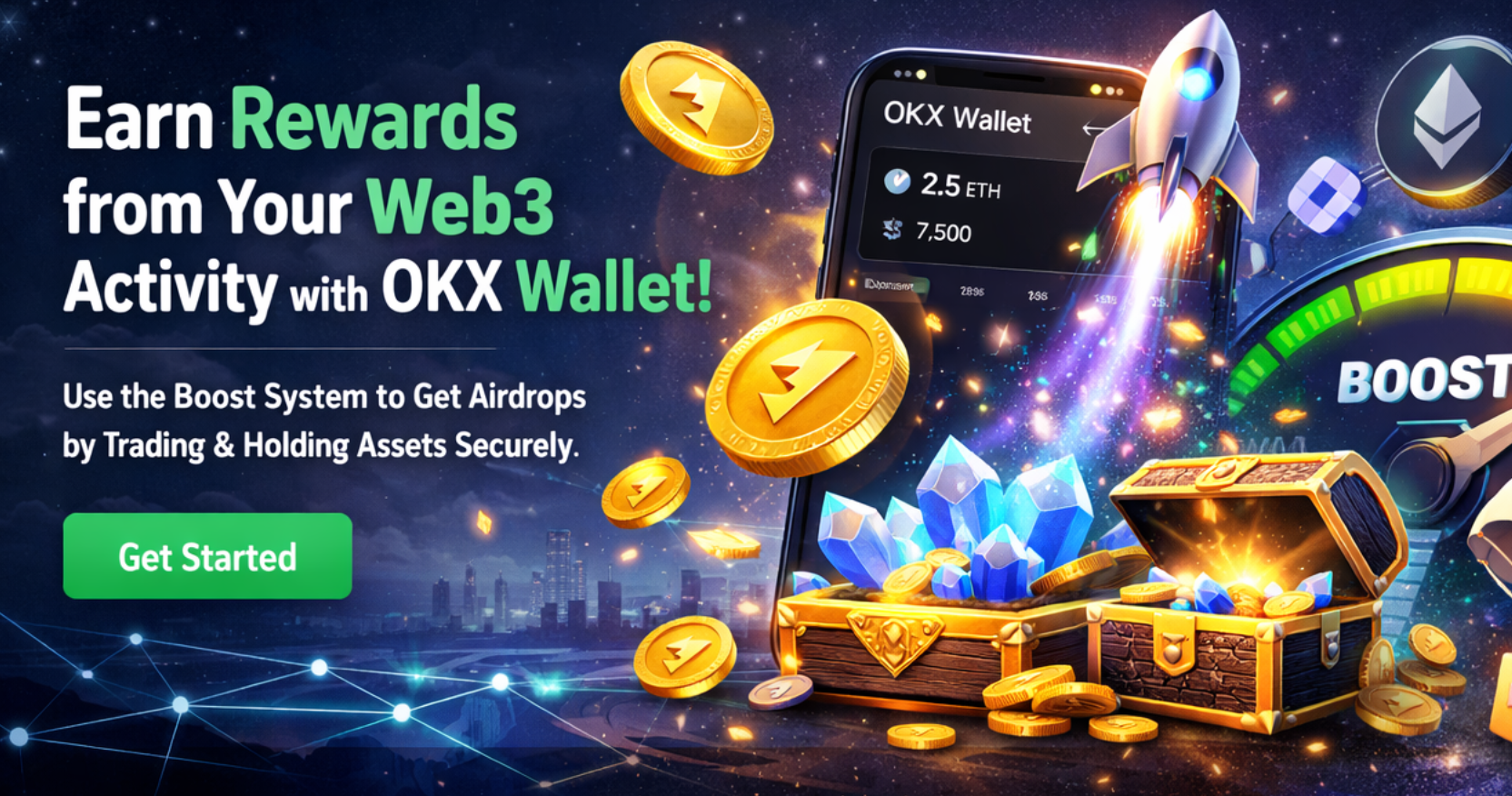
OKX Wallet is not just a passive Web3 wallet for storing assets; it is a next generation Web3 wallet that rewards users through its Boost system for trading and holding assets in their wallet. In this article, we cover in detail what OKX Wallet is, how it works, and how the Boost airdrop system operates.
What Is OKX Wallet?
OKX Wallet is a multi-chain cryptocurrency wallet that allows users to access the Web3 ecosystem in a decentralized and self-custodial manner. It supports Ethereum, Arbitrum, BNB Chain, Aptos, zkSync, and many other networks within a single wallet.
With one seed phrase, users can create wallets across dozens of networks, manage assets, and perform swap and trade transactions. This structure eliminates the need to use separate wallets for different blockchains.
OKX Wallet is fully decentralized. Seed phrases, private keys, and passwords are not stored by OKX and are never transmitted to any external servers. In addition, the wallet has passed security audits conducted by SlowMist.

The Most Important Feature That Sets OKX Wallet Apart from Other Web3 Wallets: Boost
The key feature that distinguishes OKX Wallet is its Boost system. Boost is a unique incentive model that rewards users not only for using the wallet, but for actively trading and holding assets.
While many Web3 wallets only provide storage and transfer functionality, OKX Wallet rewards users for being active.
Within the Boost system:
- •Assets held in the wallet
- •Swap and trade transactions executed through OKX Wallet
are directly evaluated, and users are granted airdrops, rewards, or access to special campaigns.
How Does the OKX Wallet Boost Airdrop System Work?
The Boost system does not require complex tasks, social media sharing, or additional applications. It is entirely focused on user behavior.
If you are using OKX Wallet and:
- •Holding assets
- •Performing swap transactions
- •Trading
the Boost system automatically evaluates your activity. As your wallet balance and transaction volume increase, the benefits within the Boost program also grow.
These benefits are typically offered as:
- •Token airdrops
- •Access to X Launch events
- •Special reward pools
Real User Experience: Boost Airdrop
As the author, I received my first Boost airdrop in the form of the BARD token through OKX Wallet. This airdrop, valued at approximately $90, was assigned to my account without completing any tasks simply because I held assets and actively traded using OKX Wallet.
This example clearly demonstrates that the Boost system is not theoretical, but a reward mechanism that works in practice.
How to Install and Activate OKX Wallet?
OKX Wallet is available on iOS, Android, and as a browser extension. The first step is to download the official OKX Wallet application or browser extension. Upon opening the app, users can choose to create a new wallet or import an existing one.
Users who create a new wallet are provided with a seed phrase. These words are the only recovery key for the wallet and must be securely backed up.
Next, a strong password is set for the wallet. Due to its decentralized structure, this password is not stored by OKX and cannot be recovered if lost. Once these steps are completed, OKX Wallet becomes fully active.
OKX Wallet Interface and User Experience
OKX Wallet offers a clean and user-friendly interface, especially for users familiar with centralized exchanges. This allows even Web3 beginners to operate the wallet without difficulty.
Within the wallet:
- •Market data can be tracked via the Market section
- •Onchain and cross-chain swaps can be performed via the Swap section
- •All assets can be viewed in the Portfolio tab
- •Staking and yield opportunities can be accessed in the DeFi section
- •NFT transactions can be carried out through the Marketplace
This structure turns OKX Wallet into not just a wallet, but a comprehensive Web3 control panel.
Asset Transfers and Trading with OKX Wallet
Transferring crypto assets to OKX Wallet is straightforward. Users can copy the wallet address for the relevant network and transfer funds from another exchange or wallet. For OKX exchange users, internal transfer options are also available.
Once assets arrive in the wallet, users can perform:
- •Swaps across more than 40 blockchains
- •Bridging across more than 25 networks
- •On-chain trading via integrated DEXs
Transactions are confirmed in as little as 500 milliseconds on average.
OKX Wallet Backup Options
OKX Wallet offers two different backup methods. With cloud backup, the seed phrase is stored in encrypted form on iCloud, Google Drive, or Huawei Cloud. An additional backup password is required during recovery.
With manual backup, the seed phrase is written down on paper and stored in a secure physical location. This is the most strongly recommended method from a security standpoint.
Conclusion
With its multichain support, high transaction speed, and Boost system that directly rewards users who trade and hold assets, OKX Wallet stands out among Web3 wallets.
For users who want not only to transact in the Web3 world but also to turn those activities into tangible rewards, OKX Wallet is a strong and long-term solution.